 Español


Last updated on 18 nov 2026
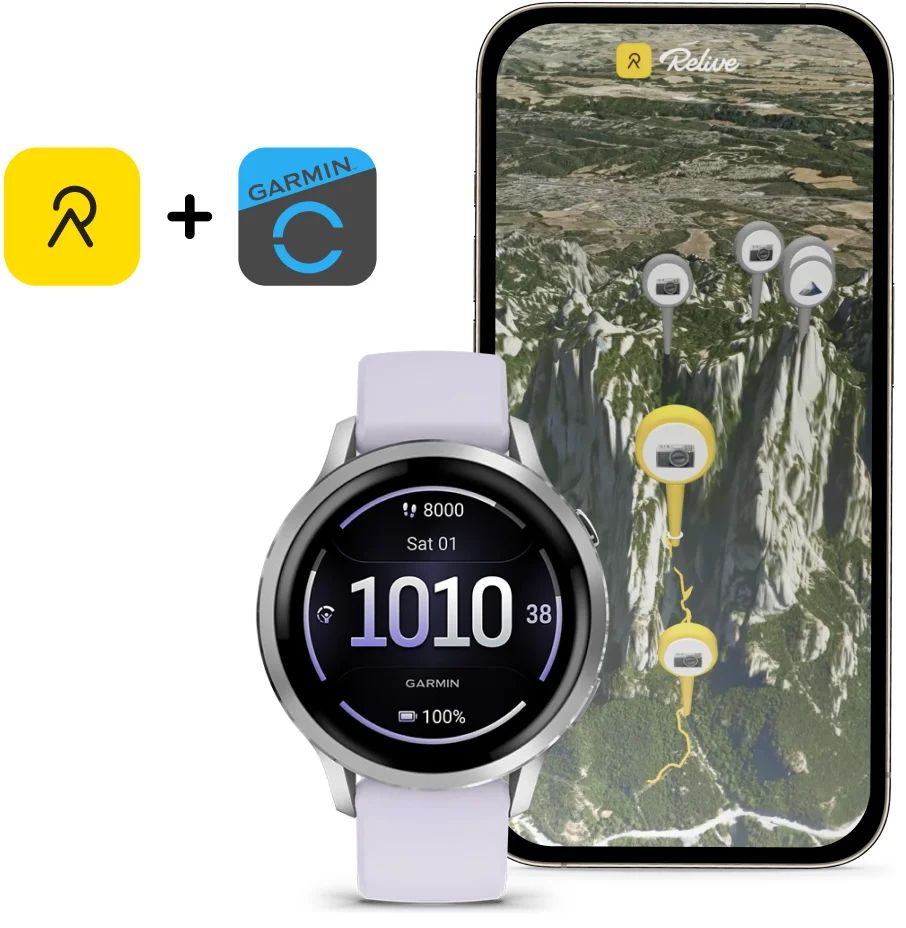
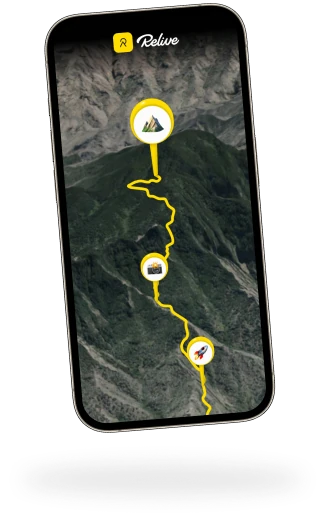
Connect your Garmin account to Relive once, and every activity you record on your Garmin watch or bike computer automatically becomes an animated 3D video: your real route on real terrain, with the photos you took along the way. Garmin Connect keeps doing the training analysis; Relive turns the same activity into something you can send to friends and family, or post.
No extra app running during your activity, no battery cost on your watch, no double-recording.

A 3D flyover video of every Garmin activity, rendered automatically in seconds.
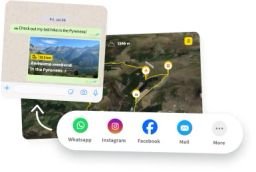
Sharing that works for people without the app: viewers watch in their browser, free.
Works with rides, runs, hikes, ski days, open-water swims, and 100+ activity types.
¡Crea y comparte tus recuerdos al aire libre!
No, and it doesn't try to. Garmin Connect is where your training data lives: pace, power, heart rate, and training load. Relive reads the completed activity and makes the memory: the video that shows what the day was actually like. As one user put it: "Garmin is good for your own training, but it doesn't give anyone else a feeling for what you're doing."
Any device that syncs activities to Garmin Connect: Forerunner, Fenix, Edge, Instinct, Venu, and the rest. If it's in Garmin Connect, Relive can turn it into a video.
No. Your watch records exactly as it always does. Relive receives the finished activity from Garmin Connect afterwards.
Yes. After connecting, you can create videos from previously recorded activities, or export a GPX from Garmin Connect and import it.
Yes, connecting Garmin and creating 3D videos is part of Relive's free plan. Relive Plus adds music, HD export, and up to 100 photos and clips per video.
First confirm the activity reached Garmin Connect, then check the connection in Relive's settings. Syncing usually takes a few minutes.