Bahasa Melayu



Last updated on 18 Nov 2026
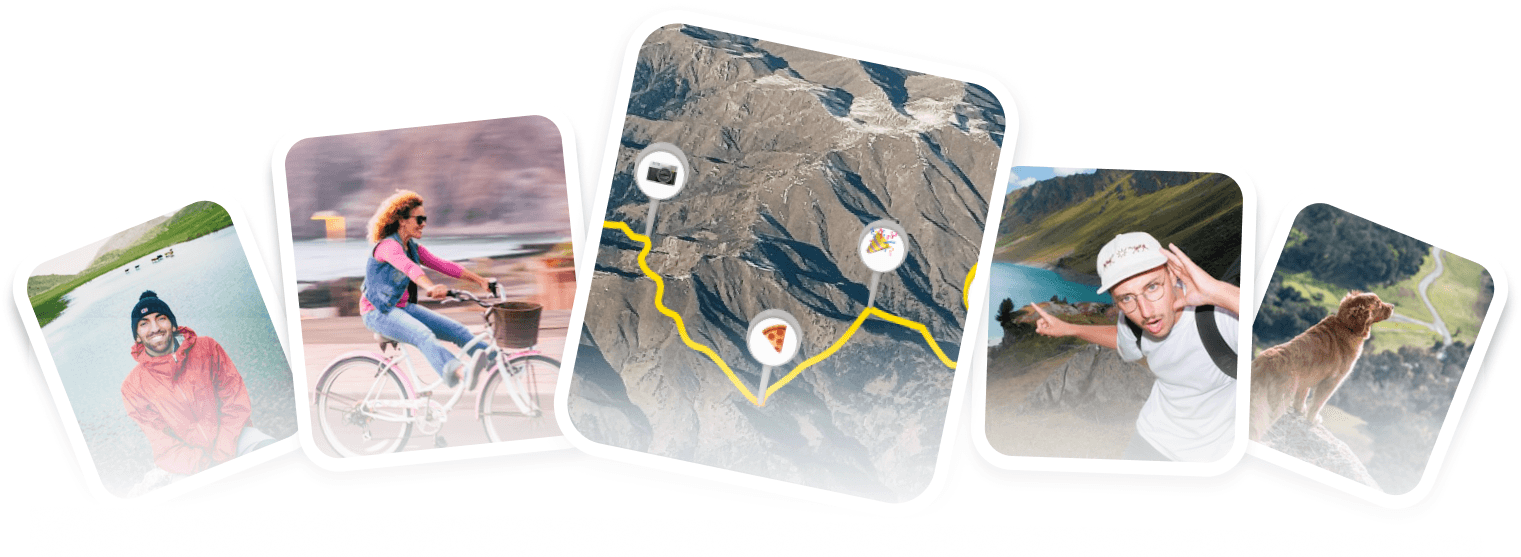
Relive syncs the photos on your phone with your GPS route automatically. Relive matches every photo you took during an activity to the route by its time and location, and places it at the right spot in your 3D video. For you it means no geotagging work and no manual placement. The free plan includes up to 10 photos or clips in your video; Relive Plus raises the limit to 100 photos and clips.
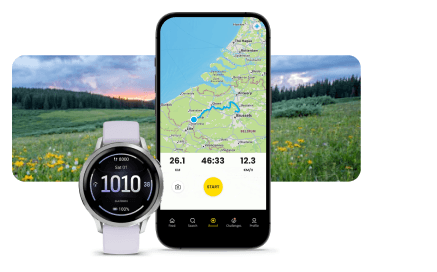
Track with the Relive app, or connect Garmin, Apple Health, Suunto, Wahoo, Polar Flow, or any of 12+ sources. GPX/FIT/TCX imports work too.
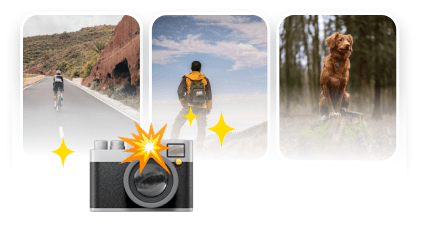
Use your normal camera app or the Relive camera. Nothing to tag or organize.
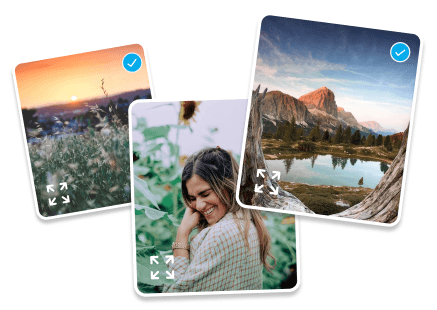
Relive finds your photos from that time window automatically, and you tick the ones you want.
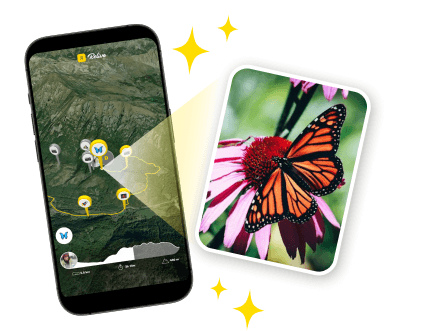
Relive places each photo along the 3D route where you took it and renders the video in seconds.
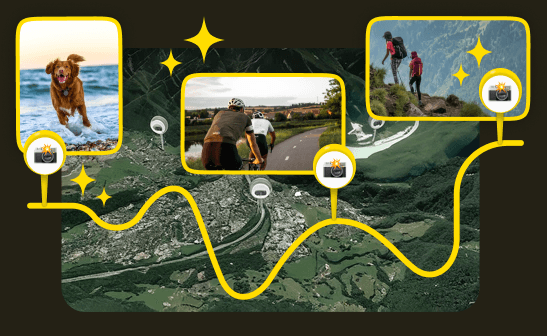
The camera flies along your route in 3D, pausing at each photo or clip as you reach the spot where it happened.
What our users are saying:
Cipta dan kongsi kenangan riadah anda!
Yes. You can add photos someone sent you on WhatsApp or photos from a separate camera to your Relive video. Because these files often don't include the time and location data Relive uses to place them automatically, you'll need to position them on your route yourself. You can also add GoPro clips as video clips. With Relive, you can add any media you want to create your best outdoor memory.
Relive. It matches your phone's photos or clips to your recorded route by time and location and builds a 3D video from the combination. Planning apps like Komoot show photos on a map; Relive places them in an animated video of the route.
No. Relive primarily matches photos by the time they were taken during your activity, so it works even when the camera didn't store a location.
Free: up to 10 photos and clips. Relive Plus: up to 100 photos and clips per video.
Yes, and for motorcycle rides, ski days, kayaking, and 100+ other activity types. Anything with a GPS track and photos.
Relive's free plan does this at no cost. If you create videos regularly, Relive Plus works out to about $3.25/month billed yearly ($38.99/year), or $6.99 month to month.